

Google Business Profile information can change because an owner or manager edited it, another user suggested a change, Google collected information from available sources, connected systems supplied data or the platform reviewed the profile. Monitor fields that directly affect customer contact, including hours, phone numbers, website and appointment links, address, categories and reviews.
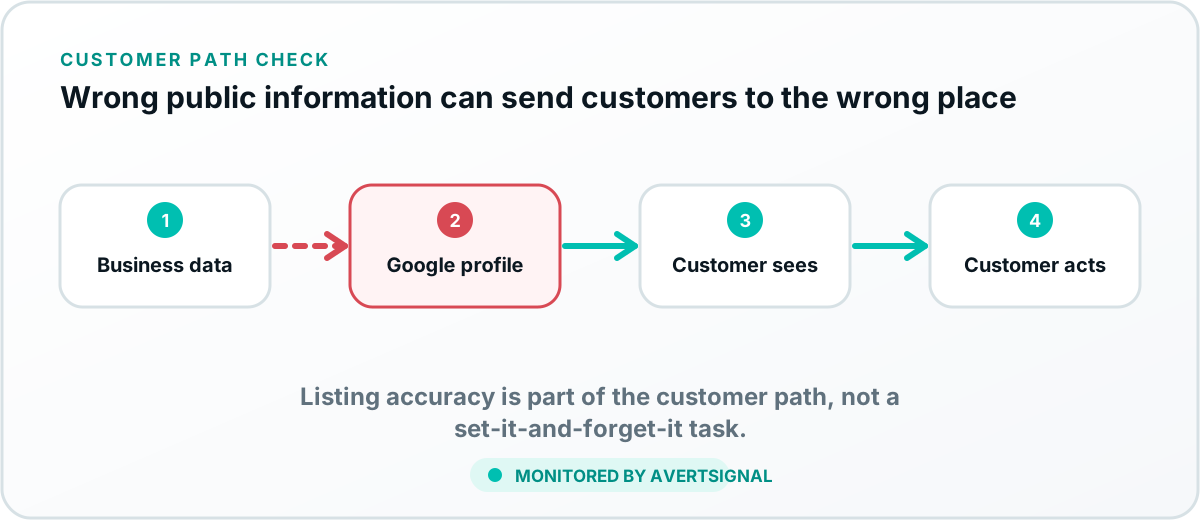
Why profile information changes
A Google Business Profile is managed within a larger local-information system. Verified owners and managers can edit the profile. Other users can suggest edits. Google may collect or review information from available sources and platform processes.
Some changes correct outdated information. Others create customer confusion or send prospects into the wrong path. Monitoring is about detecting material changes, not assuming every change is malicious.
Fields that directly affect customer acquisition
Why links and numbers deserve more attention than cosmetic fields
A wrong phone number, website URL or appointment link can directly lose a customer. A description typo is undesirable, but it usually does not break the acquisition path as quickly. Prioritize monitoring according to business impact.
The profile is only the first handoff
An accurate profile can still lead to a broken website, call route or booking system. Test the destination after confirming the public field. The call-path guide explains how phone failures lose leads; the booking guide covers appointment-path failures.
What to do when information changes
- Capture the current public result and the expected value.
- Check whether an authorized owner or manager made the edit.
- Review the profile’s edit or collected-information controls where available.
- Confirm the official website and connected systems use the correct information.
- Correct the profile through the appropriate management controls.
- Verify the public result after review or publication.
- Test the phone, website or booking destination.
Protect multi-location consistency
Each location should have accurate local contact details, hours and destination links. Avoid copying one location’s phone number or appointment path across every profile unless that is the intended routing design.
Monitor reviews as customer signals
New reviews, rating changes and unanswered complaints can reveal operational problems. Review monitoring should not be reduced to chasing a perfect score. Look for repeated references to unanswered calls, broken bookings, incorrect hours or failed communication.
Create simple profile governance
- Limit manager access to current responsible users.
- Document who owns hours, phone, website and category updates.
- Review profiles after location, staffing or service changes.
- Use consistent official information across the website and listings.
- Retest links and routes after every edit.
How AvertSignal monitors the profile-to-customer path
AvertSignal is designed to monitor important public profile signals and the customer systems they lead into. The goal is not merely to report that a field changed, but to explain which acquisition path may be affected and whether the destination works.